Spotify calendar06
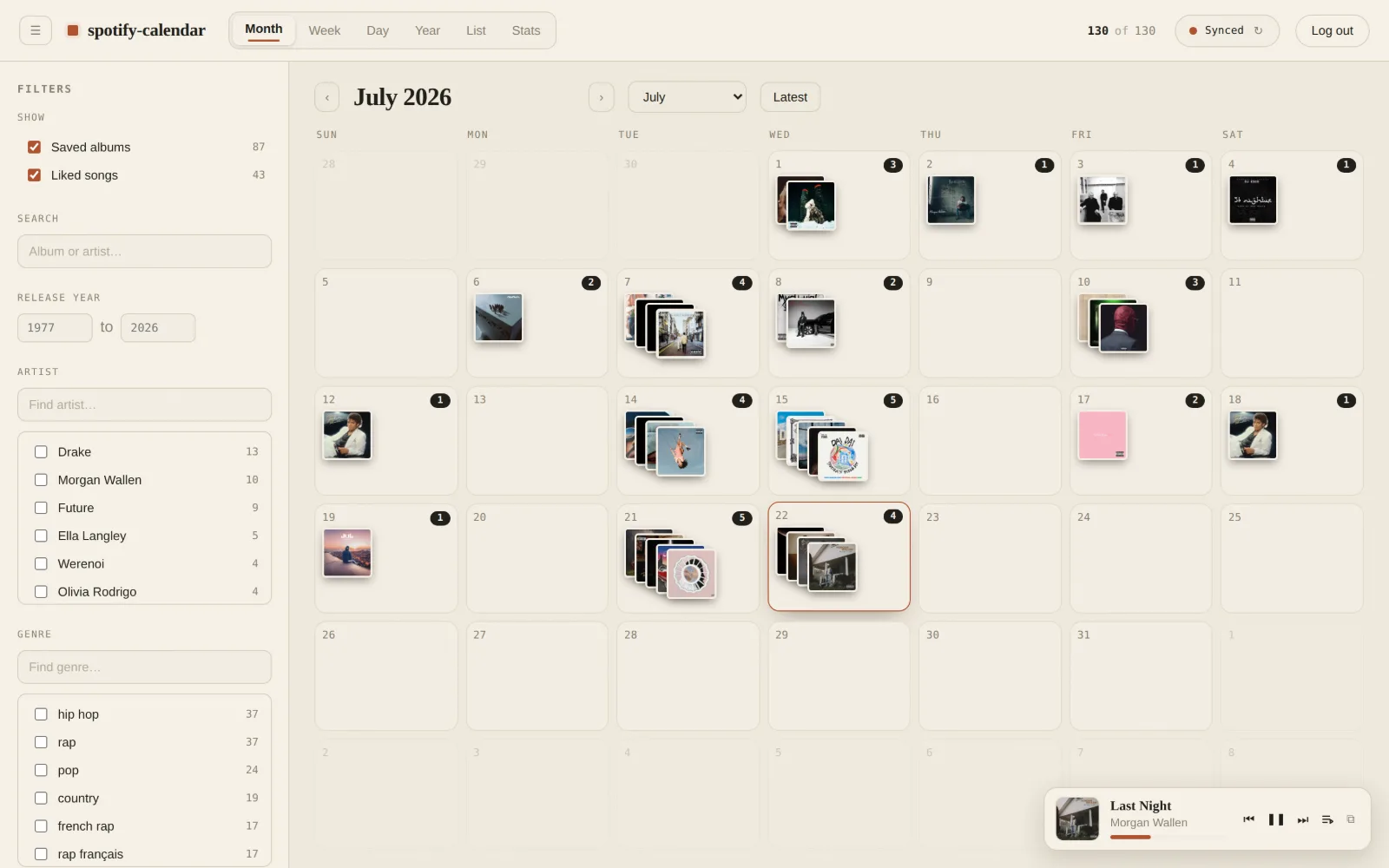
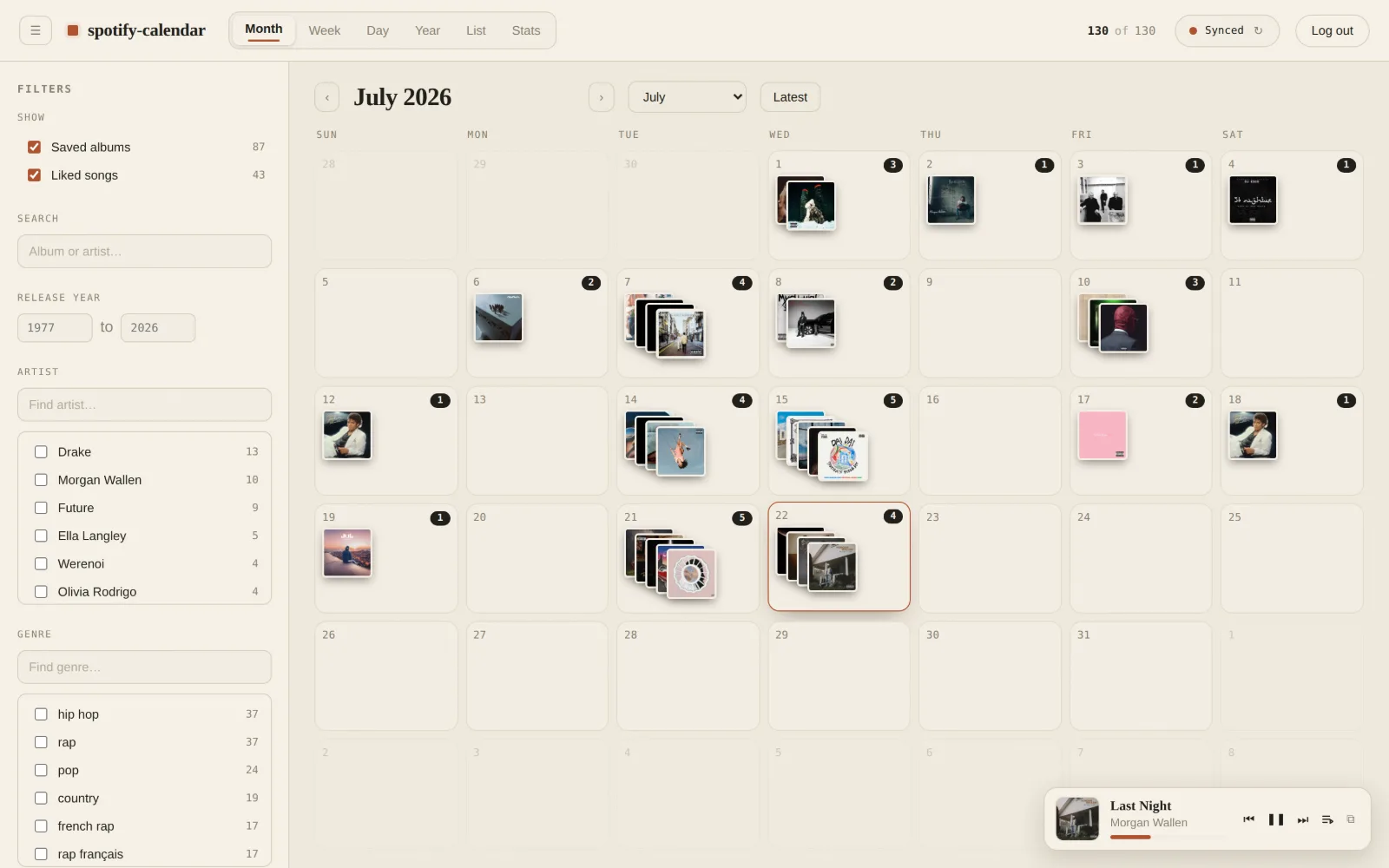
Your saved Spotify albums laid out on a monthly calendar, grouped by the day you added each one and filterable by year, artist and genre.




- Timeline
- Jul 2026 —
- Role
- design + build
- Author
- Steeve Pommier
- Stack
- Next.js, TypeScript, Spotify Web API, Docker
- Version
- 1.1.0
- Page
- Updated 18 Nov 2026 · since 14 Aug 2026
- AI
- Vibecoded
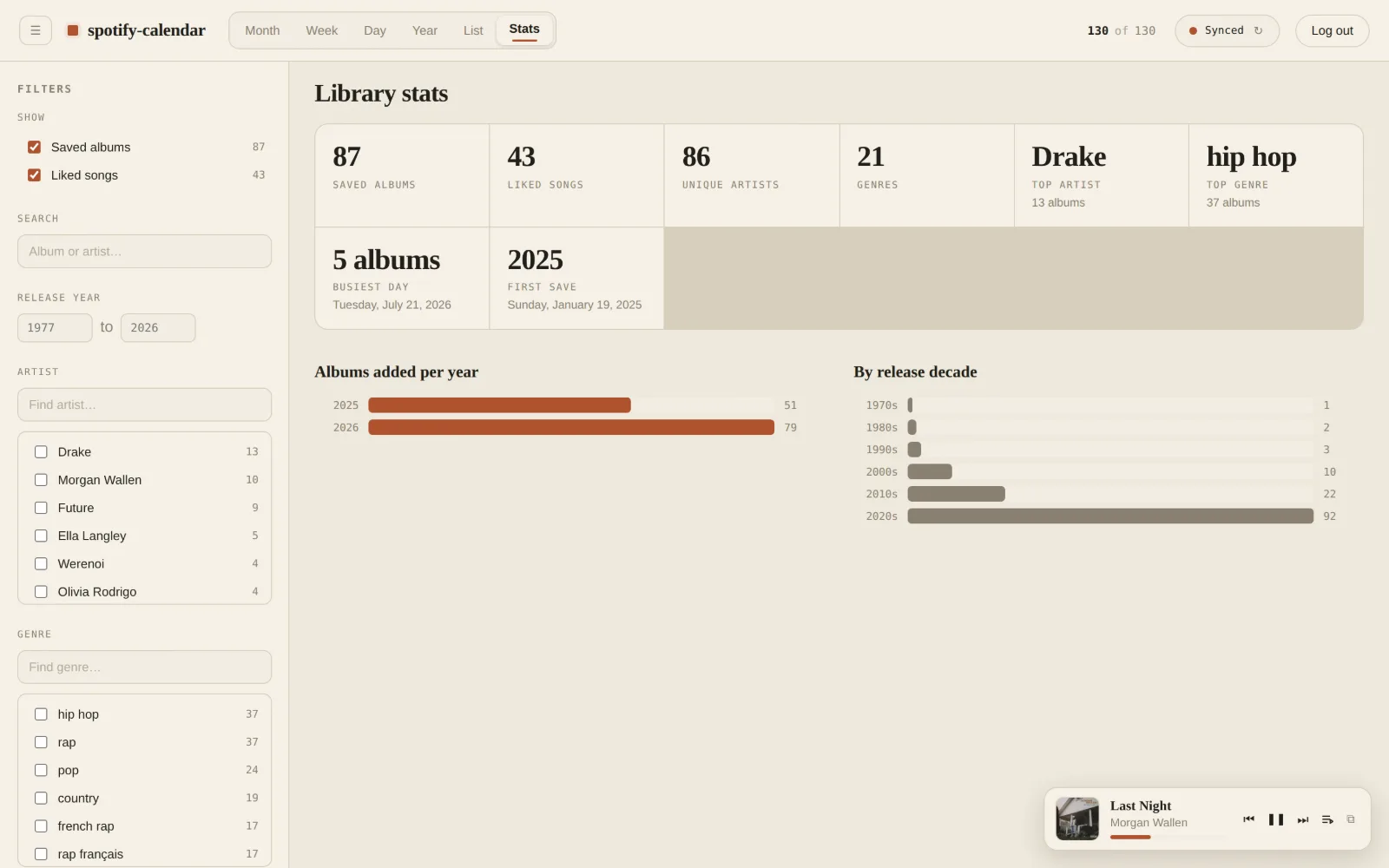
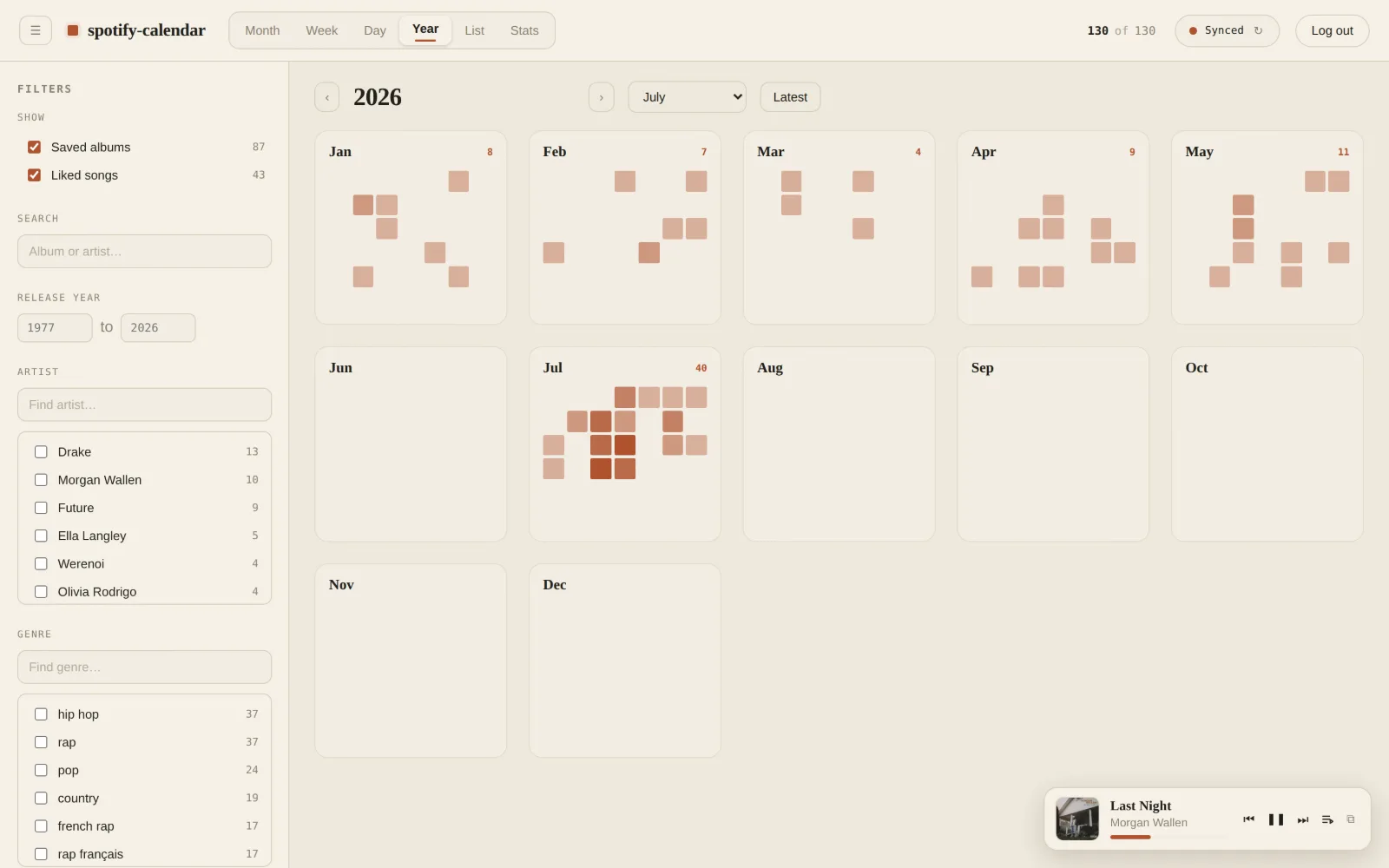
A saved-albums list is a flat, undated wall of covers. But Spotify records when each one was added, which turns the same data into something with shape: run it down a calendar and the months where you were actually digging stand out from the months where you were not.
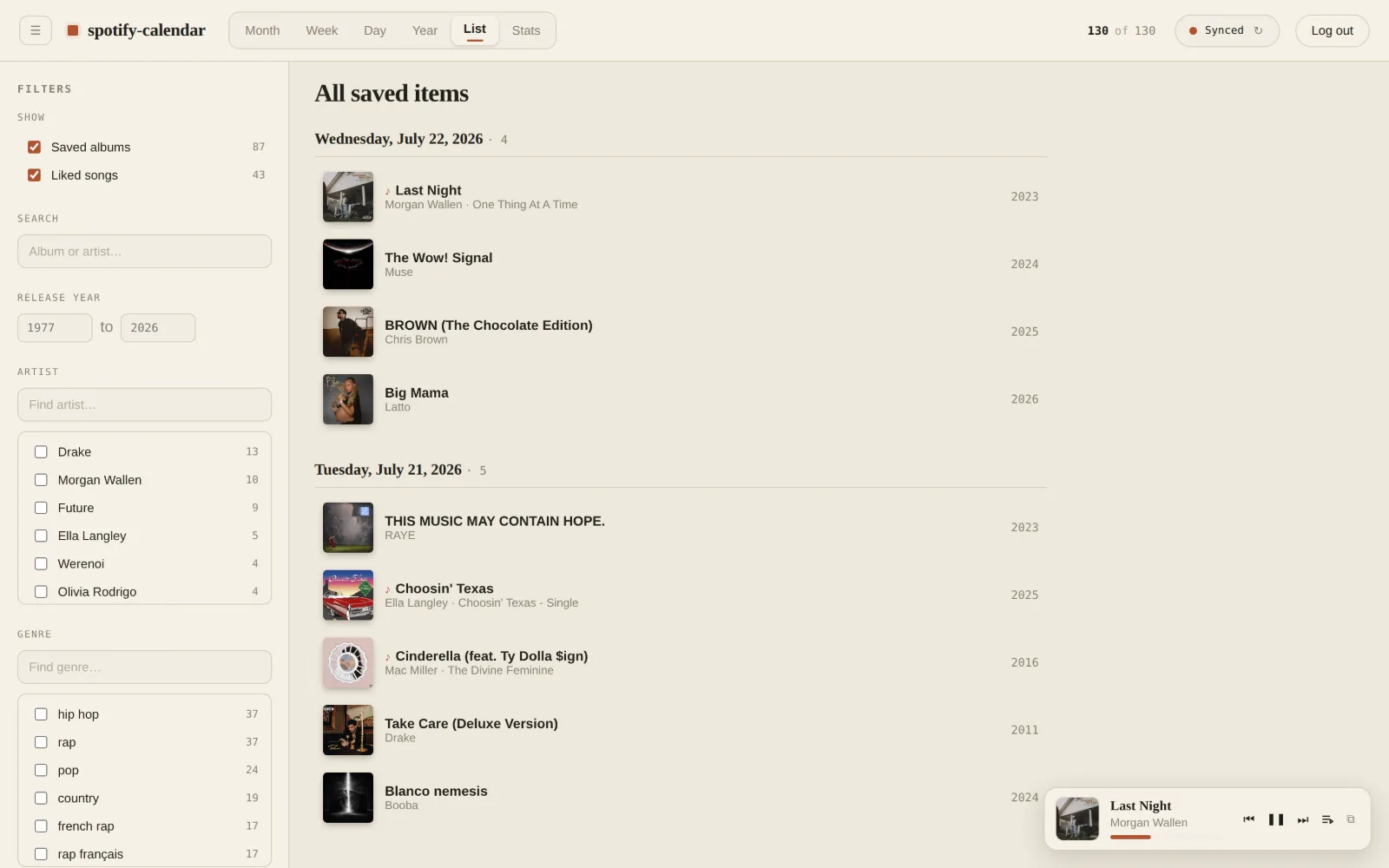
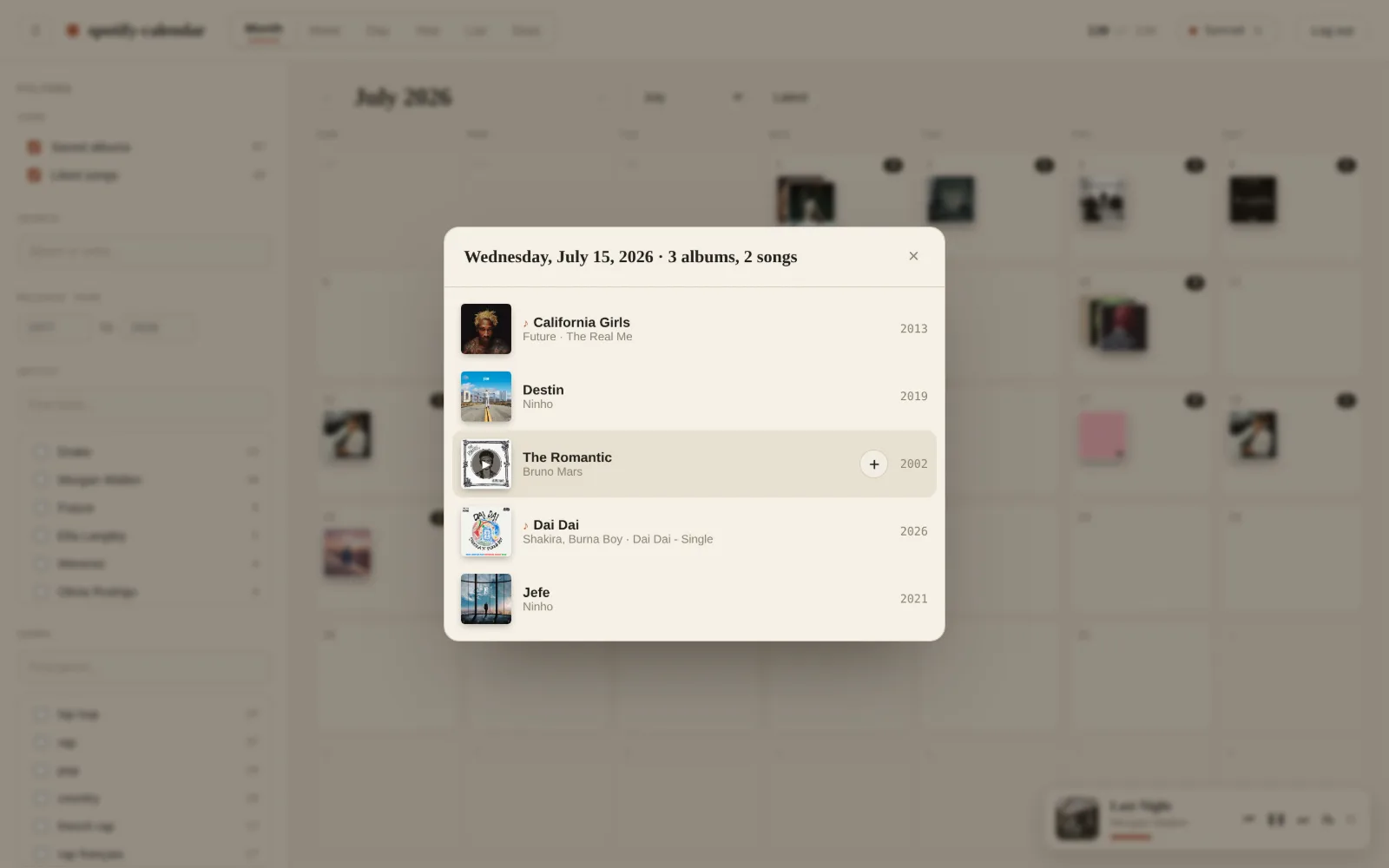
Each day cell stacks the covers added that day with a count badge. A collapsible side panel filters the whole grid by search, release year, artist and genre, and the same library can be read as a week, a day, a year, a list or a set of stats. A mini-player drives Spotify on your devices.
One deployment can serve several Spotify accounts, each seeing only its own library, and a synced library is kept on the server so a new browser or device restores it instead of syncing again.
Authentication runs server-side through the Authorization Code flow — tokens live in httpOnly cookies and never reach the browser. Ships with a Compose setup for local work and a multi-stage standalone image for the home lab box.
Versions
- 1.1.0Habanera
The showcase page gets a legal notice, a link card and an llms.txt, and the iPhone home-screen icon is no longer framed in black.
- A legal notice on the showcase: who publishes it, who hosts it, what it knows about a visitor (nothing).
- A link card: pasting the showcase's link somewhere now shows a proper preview.
- An llms.txt at the showcase's root: a short summary of what spotify-calendar is and how it is self-hosted, for language models and the tools built on them.
- A clean iPhone icon: the home-screen icon is opaque, no longer framed in black, and browsers that prefer a raster favicon get one.
- 1.0.0Gavotte
The first numbered release: the options show the running version, and genres fill again on large libraries.
- The version in the options: beside "Log out", or in the ⚙ menu on a phone.
- Genres fill again: Spotify stopped answering genres for many artists at once, so they are now looked up one artist at a time, kept as each answer lands, and an interrupted lookup resumes where it stopped.
- A slow first pass: it takes a while on a large library; later syncs only look up new artists.
- 0.4.0Foxtrot
Several Spotify accounts can share one deployment, and your library is kept on the server so a new device does not start from scratch.
- Several accounts on one deployment: each Spotify account sees and syncs only its own library, even when they share the same browser.
- Your library survives a new device: after a sync it is kept on the server, so a new browser or another device restores it instead of syncing everything again.
Older versions (3)
- 0.3.0Disco
A quick Refresh that fetches only what is new, syncs that resume by themselves, and a public showcase of the app.
- Refresh: a quick sync that only fetches what you saved since the last one.
- Syncs that resume: an interrupted sync picks up when you come back, and a stale library refreshes itself.
- A public showcase with screenshots of the app, served from a demo library.
- A ready-made Docker image for a home lab, published on every change.
- One name: the app is called spotify-calendar in the header, login screen, home-screen icon and showcase.
- Genre filter: it no longer comes up empty on a large library.
- 0.2.0Cancan
A phone layout, play buttons and a queue on the days, and installation on a phone's home screen.
- A phone layout: the views in a bottom bar and the options behind a ⚙ menu.
- Play from a day: play buttons on its albums and tracks, and "Add to queue" beside them.
- A queue panel in the mini-player: what is playing, what comes next, a tap to jump to it.
- Home-screen install, with its own icon and a proper link preview.
- 0.1.0Bolero
The first version: your saved albums and liked tracks on a calendar, with a mini-player for your Spotify devices.
- Your library on a calendar: sign in with Spotify and see saved albums and liked tracks grouped by the day you saved them.
- Six views, each with its own address: month, week, day, year, list and stats.
- Filters by search, release year, artist and genre.
- A mini-player that drives Spotify on your devices: play, pause, next, previous, choose the device.
- A sync that loads the whole library into the browser and pauses when Spotify asks it to slow down.
Write to me
A suggestion, a question, a hand with Spotify calendar, or something to build together — pick what it is about, your mail app does the rest.