Spotify poller05
Spotify only exposes your last 50 played tracks, so whatever is not collected in time is lost. This collects continuously — and proves it never stopped.





- Timeline
- Aug 2026 —
- Role
- design + build
- Author
- Steeve Pommier
- Stack
- Next.js, TypeScript, Tailwind CSS, SQLite, jose, Docker
- Version
- 2.3.0
- Page
- Updated 18 Nov 2026 · since 14 Aug 2026
- AI
- Vibecoded
The Spotify API keeps a rolling window of the last 50 tracks. Miss the window and that listening history is not late, it is lost. So the interesting part of this project is not the collecting, it is proving the collecting never stopped.
Three collectors
| id | Source | Cadence |
|---|---|---|
played | /v1/me/player/recently-played | every 30 min |
liked | /v1/me/tracks | daily, hourly during the initial backfill |
artists | /v1/artists/{id} | daily, hourly while a backlog remains |
Only played is critical, and only played pings the watchdog. artists is enrichment, not history: it fetches the genres of artists already collected, which Spotify attaches to the artist and never to a play.
Detecting silence, not noise
Two things here are easy to over-trust, and both are called out in the repo:
- A Docker
HEALTHCHECKunder plain Compose restarts nothing — anunhealthycontainer simply stays unhealthy. It is a diagnosis, not a cure. - Push notifications cannot replace a heartbeat. A dead poller sends nothing, and a quiet phone reads exactly like a working one.
So the load-bearing piece is an external heartbeat: the collector pings a watchdog on every successful run, and the watchdog alerts on absence. The UPS covers power loss; the watchdog covers everything else — ISP outage, full disk, silent crash, reboot without a clean restart.
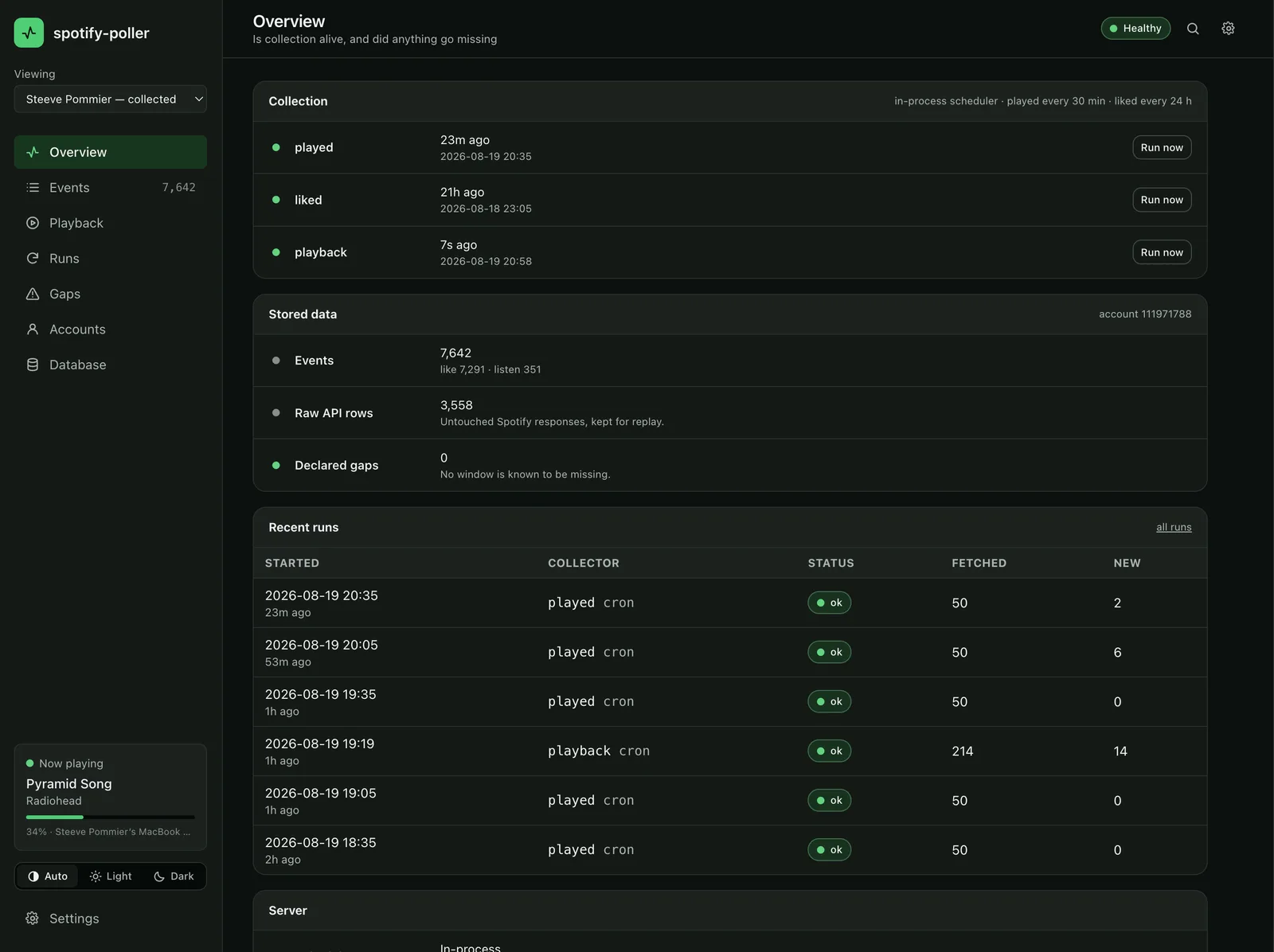
A Next.js dashboard sits on top as the custody report, readable from a phone, with JWT sessions gating every page and admin route.
What the history says
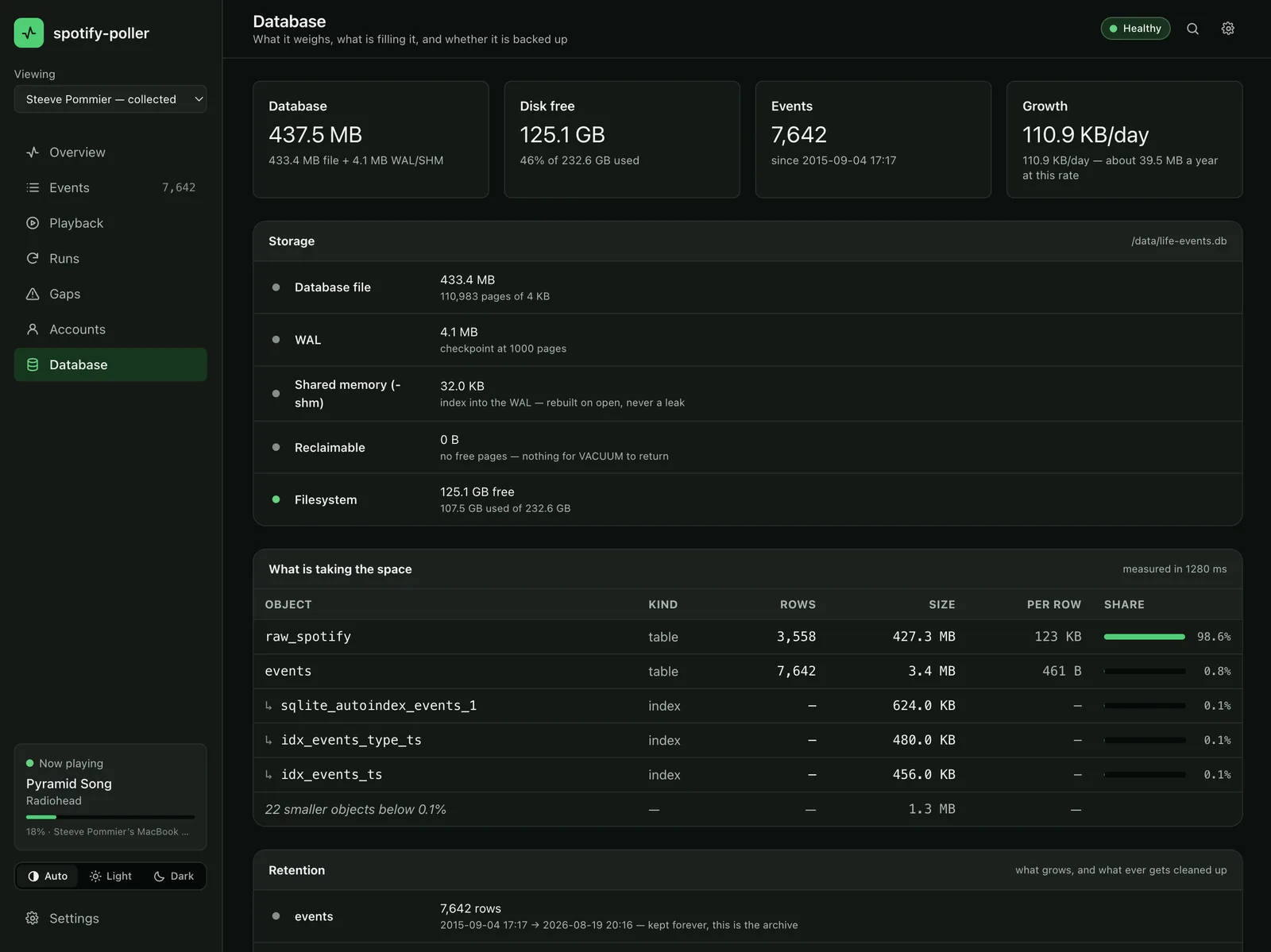
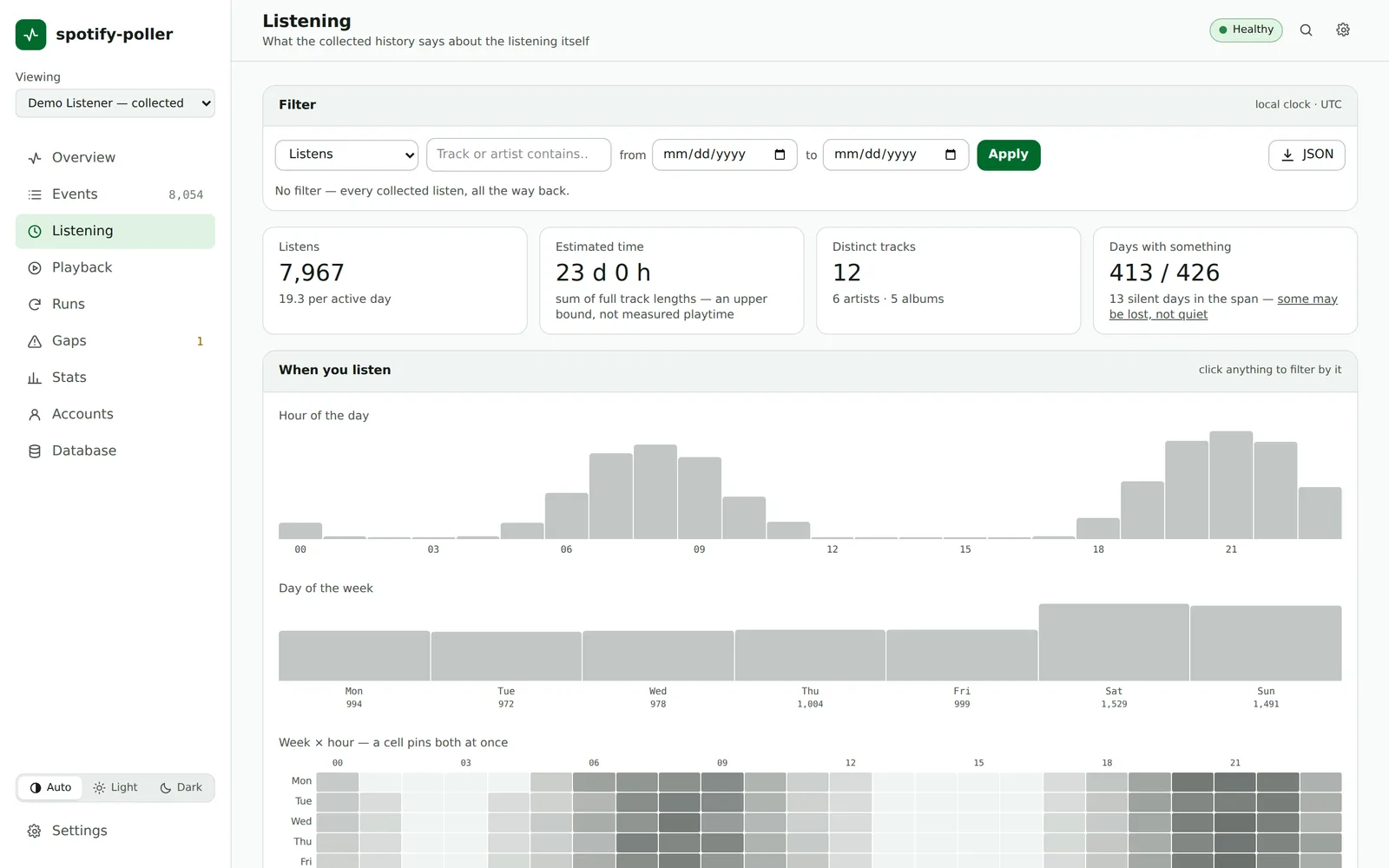
A Listening page reads the collected history back: when you listen (hour, weekday, month, year), what you listen to (top artists, tracks, albums and genres), sessions, streaks and first-time artists. Every bar, cell and row is a link that narrows the others, and the same filters answer as JSON. A Database page shows the file's size, what takes the space, the age of the newest backup and an integrity check, and every restart is labelled in the log and in the ntfy notification — a clean stop, a crash, or an unclean exit. The dashboard installs as an app on a phone's home screen, and a showcase shows it over fixture data.
Versions
- 2.3.0Andantino
The dashboard installs as an app with its own icon, and the showcase gets a legal notice and an llms.txt.
- Install as an app: icons and a web app manifest let the dashboard install on iOS and Android with its own icon instead of a screenshot of the login page.
- A legal notice on the showcase: who publishes it, who hosts it, and that nothing is measured, with link-preview tags and a canonical address.
- An llms.txt at the showcase's root: a plain-text summary of what spotify-poller is, for language models and the tools built on them.
- 2.2.0Andante
A Listening page shows when and what you listen to, drawn from the collected history, with a fourth collector that fetches artists' genres.
- When you listen: listens by hour, weekday, week by hour, month and year, and a timeline by month and by day.
- What you listen to: top artists, tracks and albums, and genres by part of the day.
- Sessions and streaks: listening sessions, streaks, first-time artists, repetition and likes.
- Every chart is a filter: each bar, cell and row is a link that narrows all the others, no JavaScript needed, and the same filters answer as JSON at
/api/listening. - An artists collector: a fourth collector fetches each artist's genres, so the history can say what kind of music it holds.
The Listening page, on demo data - 2.1.0Allegro
A Database page shows the health of the collected history, every restart is labelled, and the outages that took the dashboard down are fixed.
- A Database page: file size, what takes the space table by table, free disk, how old the newest backup is and whether it sits on the same disk, the engine's settings, and an integrity check you can run on demand.
- Every restart is labelled, in the log and in the ntfy notification: a clean stop, a crash with its message, or an unclean exit (out of memory, power loss) with the last moment the poller was seen alive.
- The 502-then-404 outages are fixed: an export no longer starves the server, timers no longer die silently, a slow page is no longer evicted by the health check, and stopping the container now stops the server cleanly.
- A frosted, drifting backdrop behind the settings dialog.
Older versions (2)
- 2.0.0Allegretto
The interface is rebuilt with a page per view and a login page, on the same database.
- A page per view: overview, events, runs, gaps, stats, accounts and playback each have their own address, instead of one single page.
- The same look: sidebar, command palette, shortcuts and settings carry over to every page.
- Sign in once: a login page and a session instead of a token sent with every request.
- A showcase of the interface built from demo data, for GitHub Pages.
- 1.0.0Adagio
The first version that ran in production: a container that never misses the 50 plays Spotify keeps, with a debug interface to browse them.
- Two collectors: recently played on every run, and liked songs with a one-time backfill, driven by a scheduler inside the container.
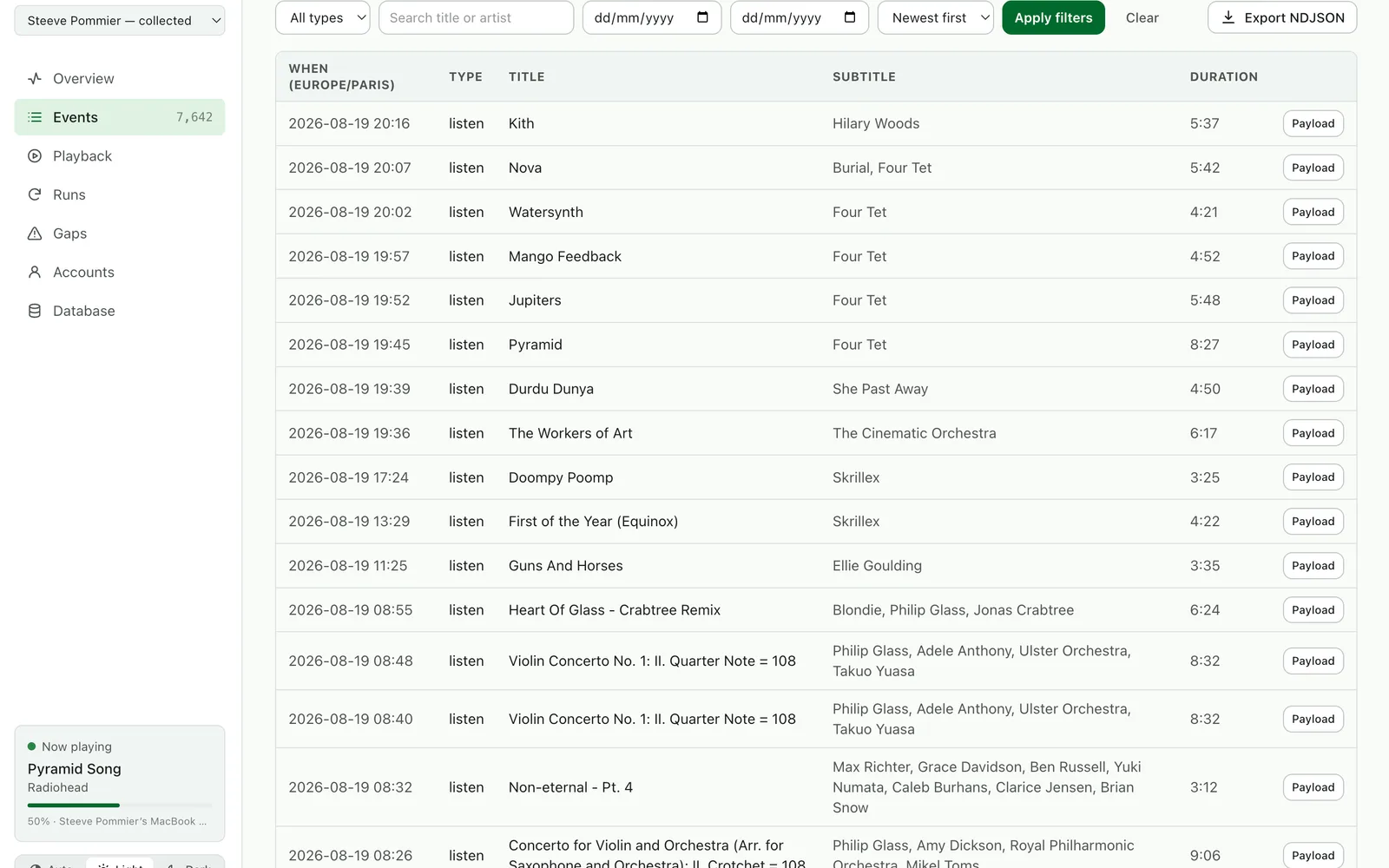
- A debug interface: connect a Spotify account, browse and filter every collected event, see the runs, the gaps and the statistics, and start a collection by hand.
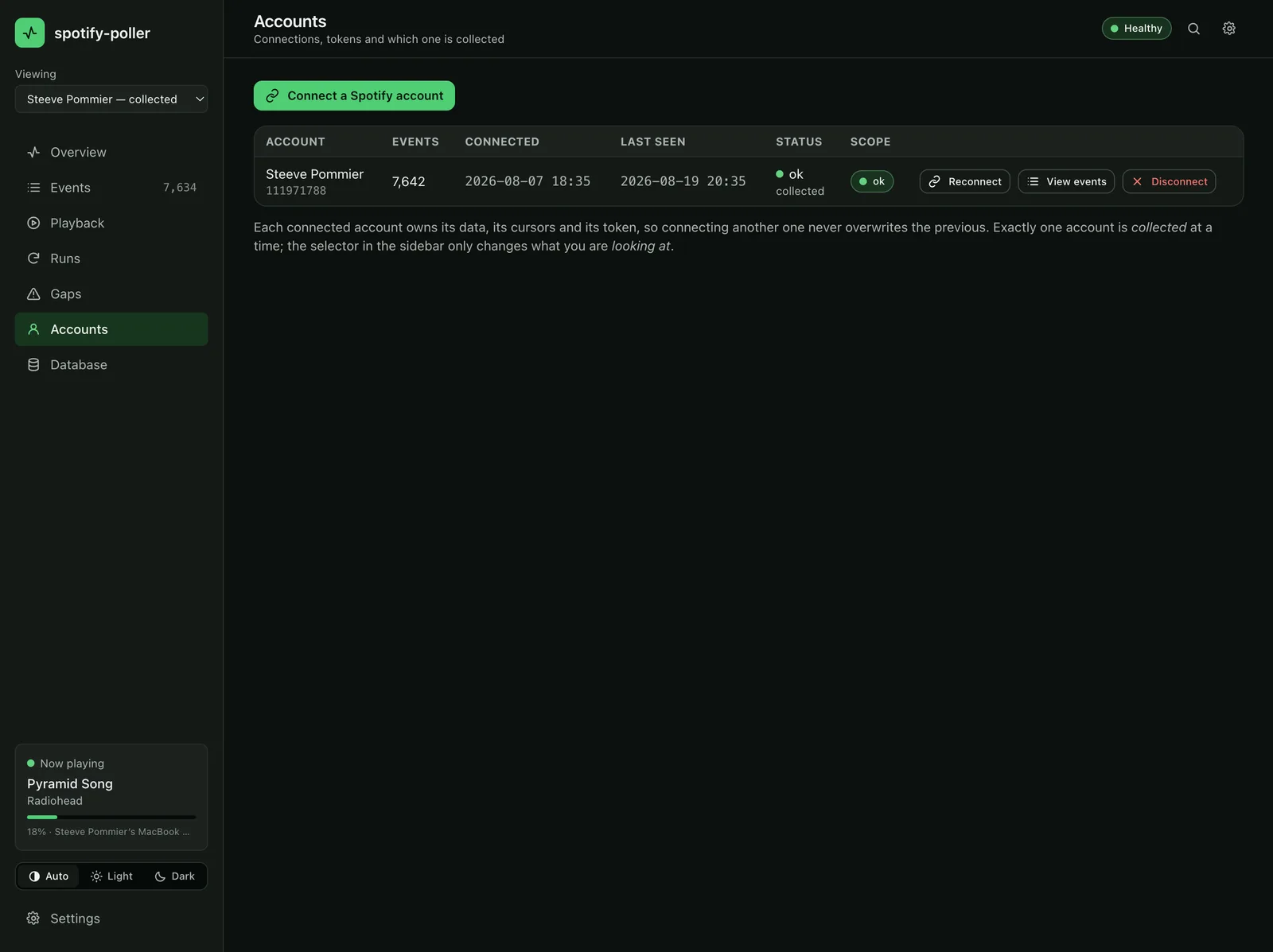
- Several accounts kept apart: each has its own history, cursors and token.
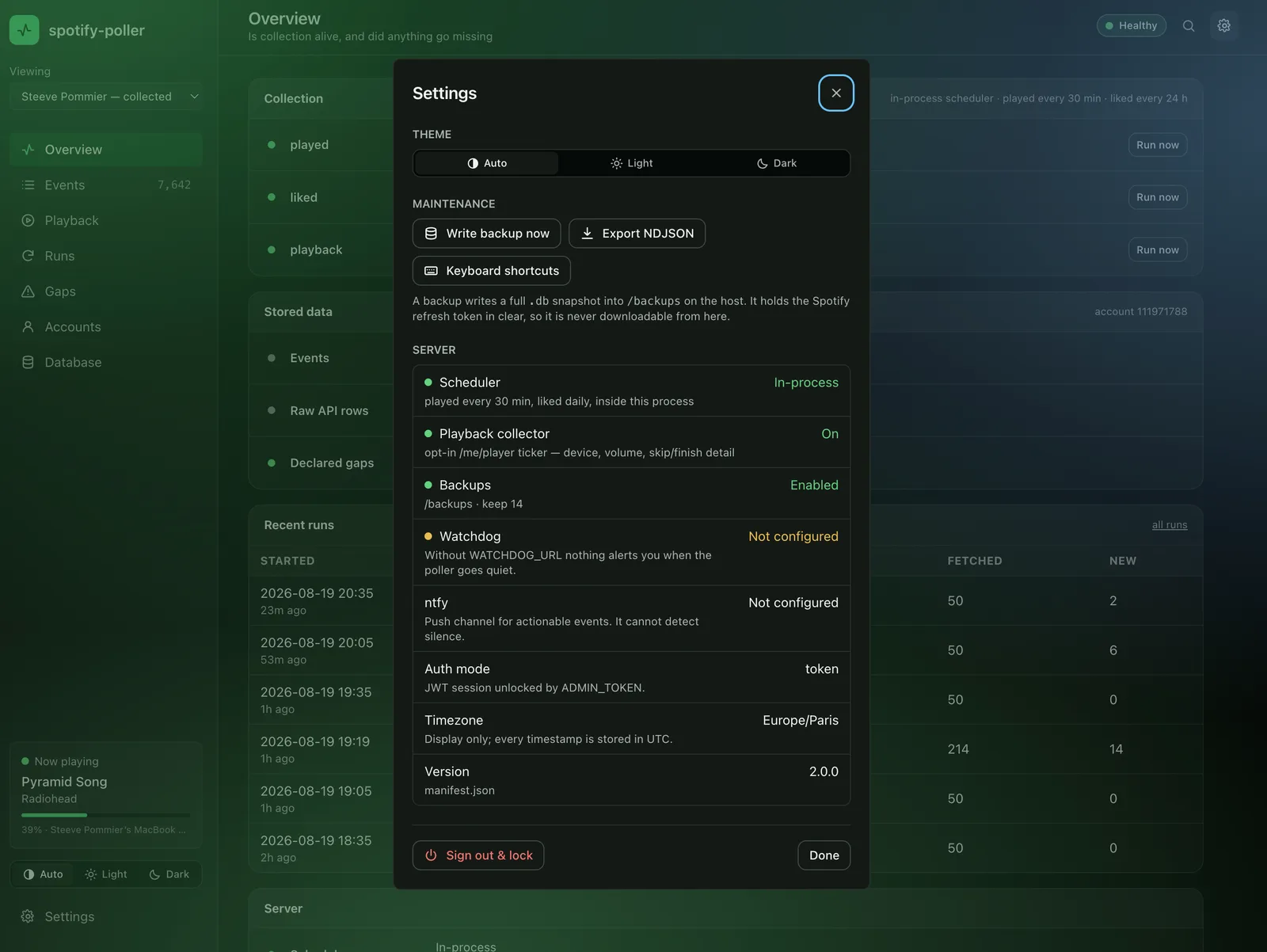
- Safety nets: backups, an NDJSON export and import, ntfy alerts, a watchdog heartbeat, and an authentication mode for a reverse proxy.
- Your timezone: timestamps shown in the one you choose, stored in UTC.
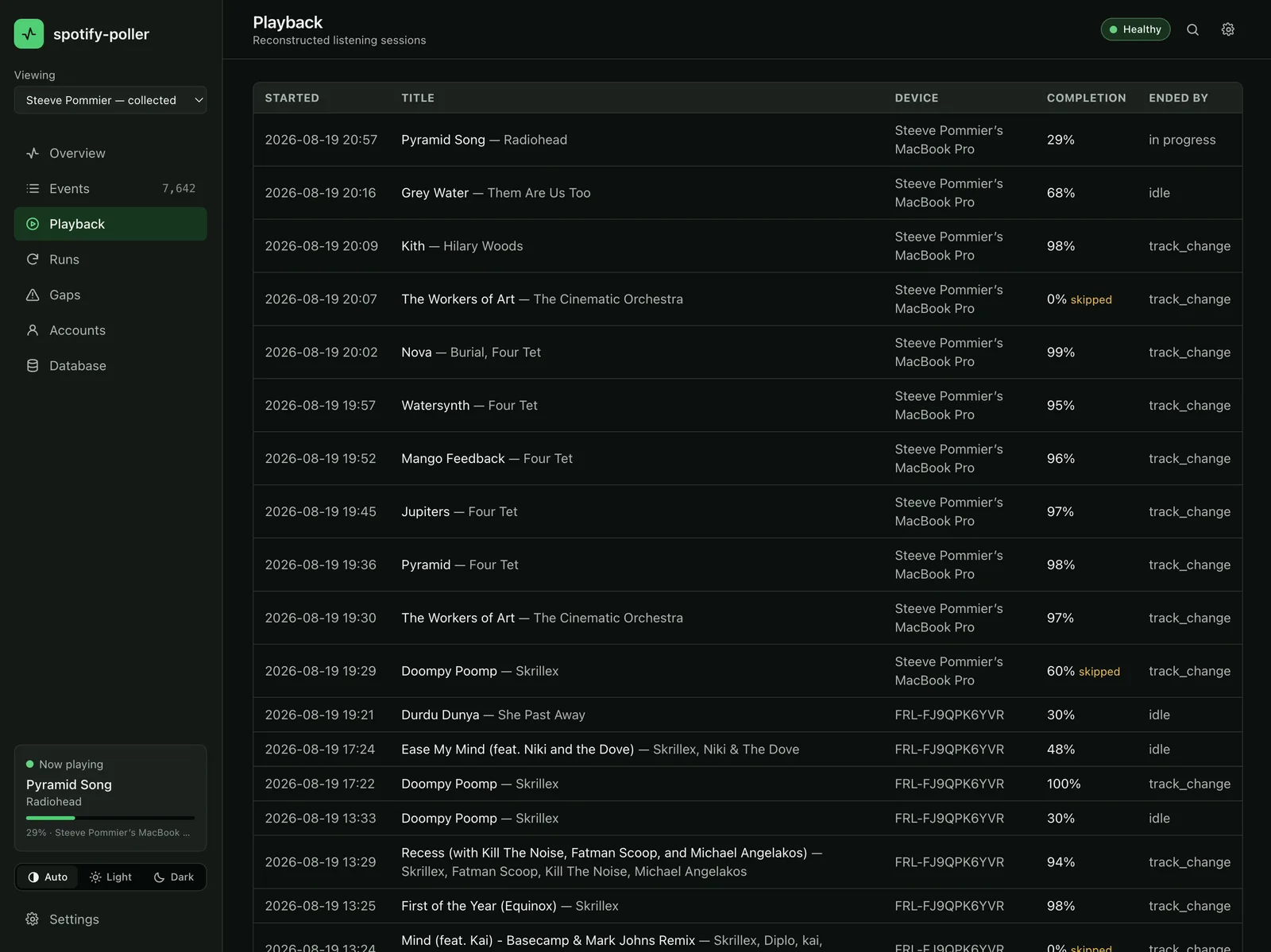
- Playback collector, opt-in: records the device, volume, playlist and whether a track was finished.
Write to me
A suggestion, a question, a hand with Spotify poller, or something to build together — pick what it is about, your mail app does the rest.