Sketchbook11
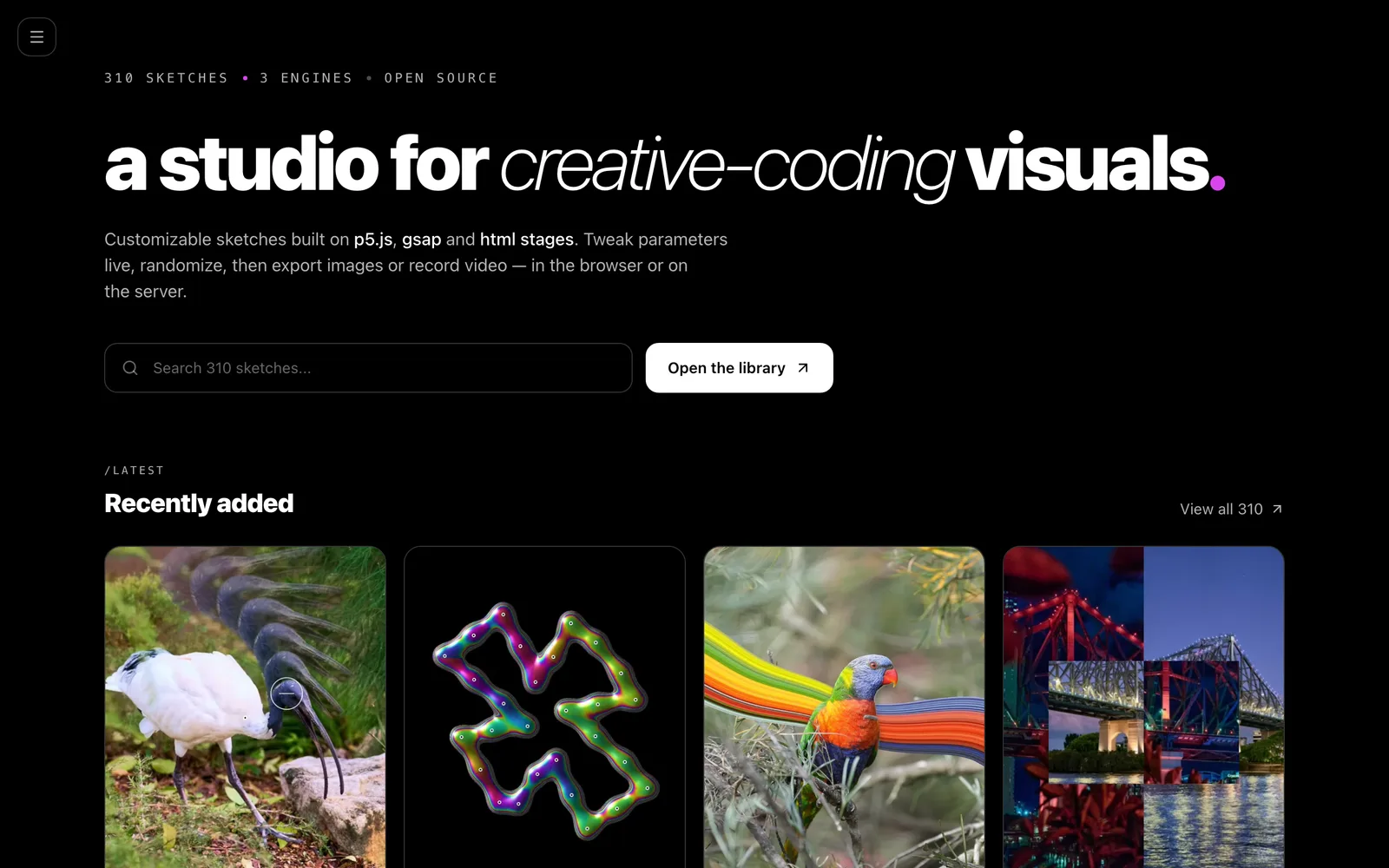
A studio for creative-coding sketches — p5.js, GSAP or Three.js, tuned from a generated UI, cut into sequences and exported as stills or video, from a laptop, a phone or an agent.





- Timeline
- Feb 2025 —
- Role
- design + build
- Author
- Steeve Pommier
- Stack
- Next.js, TypeScript, Tailwind CSS, p5.js, GSAP, Three.js, Prisma, PostgreSQL, BullMQ, Redis, MinIO, Playwright
- Version
- 1.3.0
- Page
- Updated 18 Nov 2026 · since 14 Aug 2026
- AI
- Claude Code
Sketches are cheap to write and expensive to finish. Getting a clean 60-second loop out of one usually means screen-recording it and hoping the frame rate held. Sketchbook removes that step.
Each sketch declares its parameters; the app builds the controls from that declaration, so tuning is a UI job rather than an edit-and-reload loop. Three engines are supported side by side — p5.js, GSAP and Three.js — behind the same harness, and the library is sorted into categories such as Iridescent, Flip, Sculpt and Materials (a flame, a sea, a pool's caustics).
The studio
One sketch page holds an inspector for the controls, a rail for the content you add (text, images, a HUD), and a filmstrip of slides. Any setting can follow a live input — a mouse, a camera, a hand, audio, a gamepad, the gyroscope or a MIDI controller — and a sketch can run inside another as a layer. It works on a phone as well as on a desktop.
Sequences
The Sequence layer cuts whole sketches, splash cards and colour plates into one reel, each scene entering through one of twenty GL transitions, with camera moves and a film grade on top. Slides get the same scene cuts, so slides joined in one video cut like a film.
Exporting
Export is a list of variants, each at its own resolution and frame rate, run as a batch. Recording runs either in the browser or, for anything long or heavy, on a headless Playwright backend: jobs go onto a BullMQ/Redis queue, frames are stitched with ffmpeg, and the result lands in MinIO. Sketch configurations and render history live in Postgres through Prisma, so a render is reproducible rather than a one-off. Every finished piece can also be kept in a gallery in your own browser, to reopen or back up later.
With a Postiz of your own connected, the same dialog publishes: it renders the piece and posts or schedules it to Instagram, TikTok, YouTube, Threads, X or Bluesky with its caption, tags and link.
Driven by an agent
An MCP server lets an agent drive an open studio tab — the sketch, the canvas, slides, content, playback, snapshots and export — or work headless against a server, render frames, look at them and record the video.
Versions
- 1.3.0Parabola
A new Materials category — Flame, Water and Caustics —, three new iridescent sketches, and a finished piece published or scheduled to social networks straight from the export.
- A Materials category: sketches that imitate a real substance, opening with fire and water.
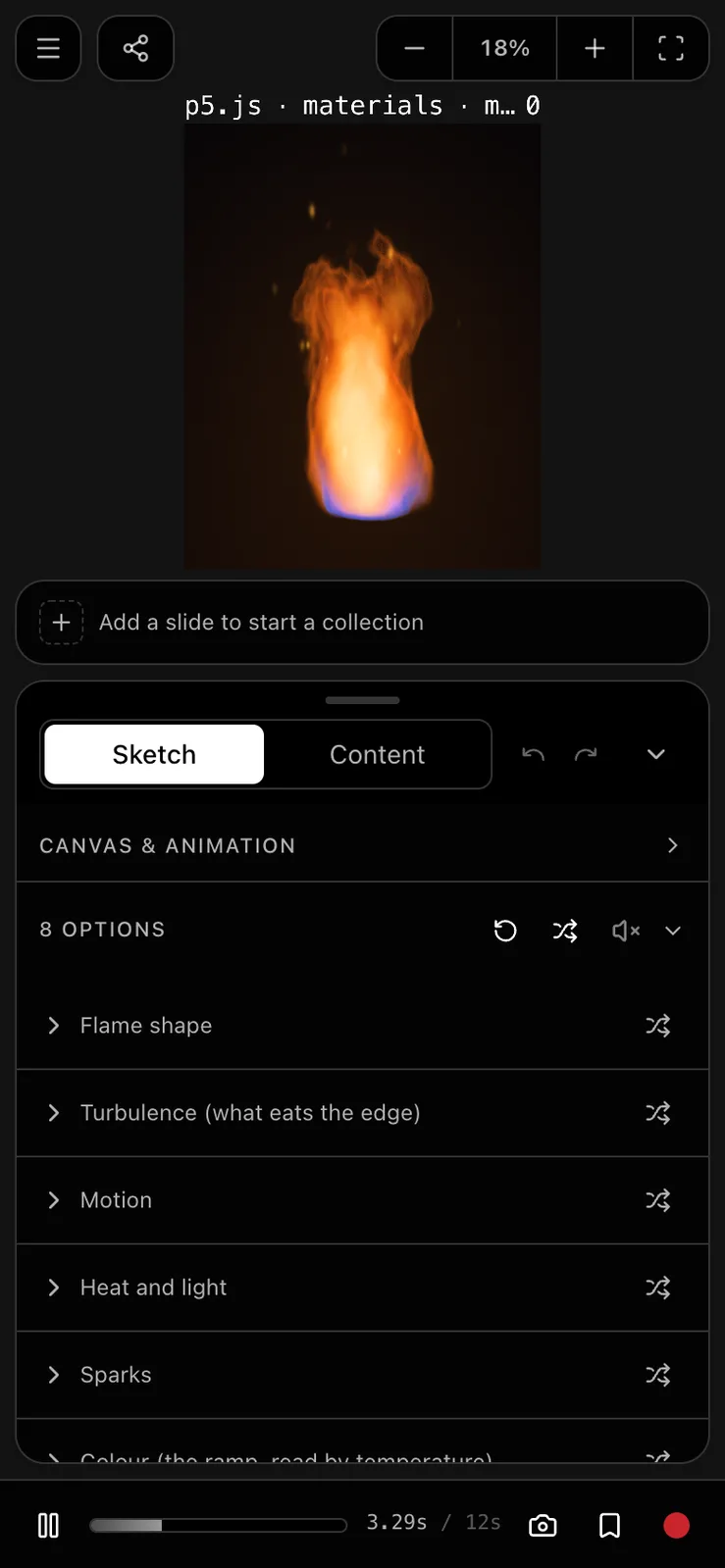
- Flame: a white-hot core in orange tongues that tear off at the tip, a blue foot, a halo and rising sparks, turning like a small fire whirl in a seamless loop. Shape, turbulence, heat and sparks are in the form, and any iridescent palette recolours it.
- Water and Caustics: an open sea at golden hour with the sun's path of glitter, and a tiled pool seen from above, crossed by the shifting net of light the ripples cast.
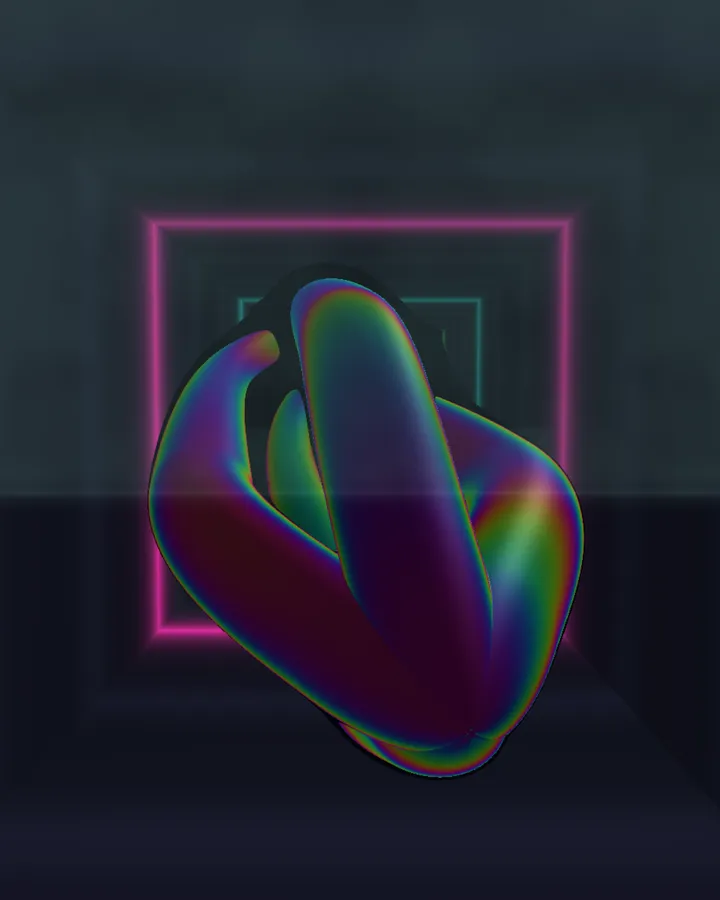
- Three new iridescent sketches: Spiral bloom, a flower whose petals sit on a golden-angle spiral and open in a wave; Peaks knot, a knot bristling with travelling needles; Peaks shell, a spiny seashell widening turn after turn.
- Publish from the export: connect your own Postiz and the Export dialog can render a piece and post or schedule it to Instagram, TikTok, YouTube, Threads, X or Bluesky, with its caption, tags and link — and Claude can prepare the post, never sending a caption you have not approved.
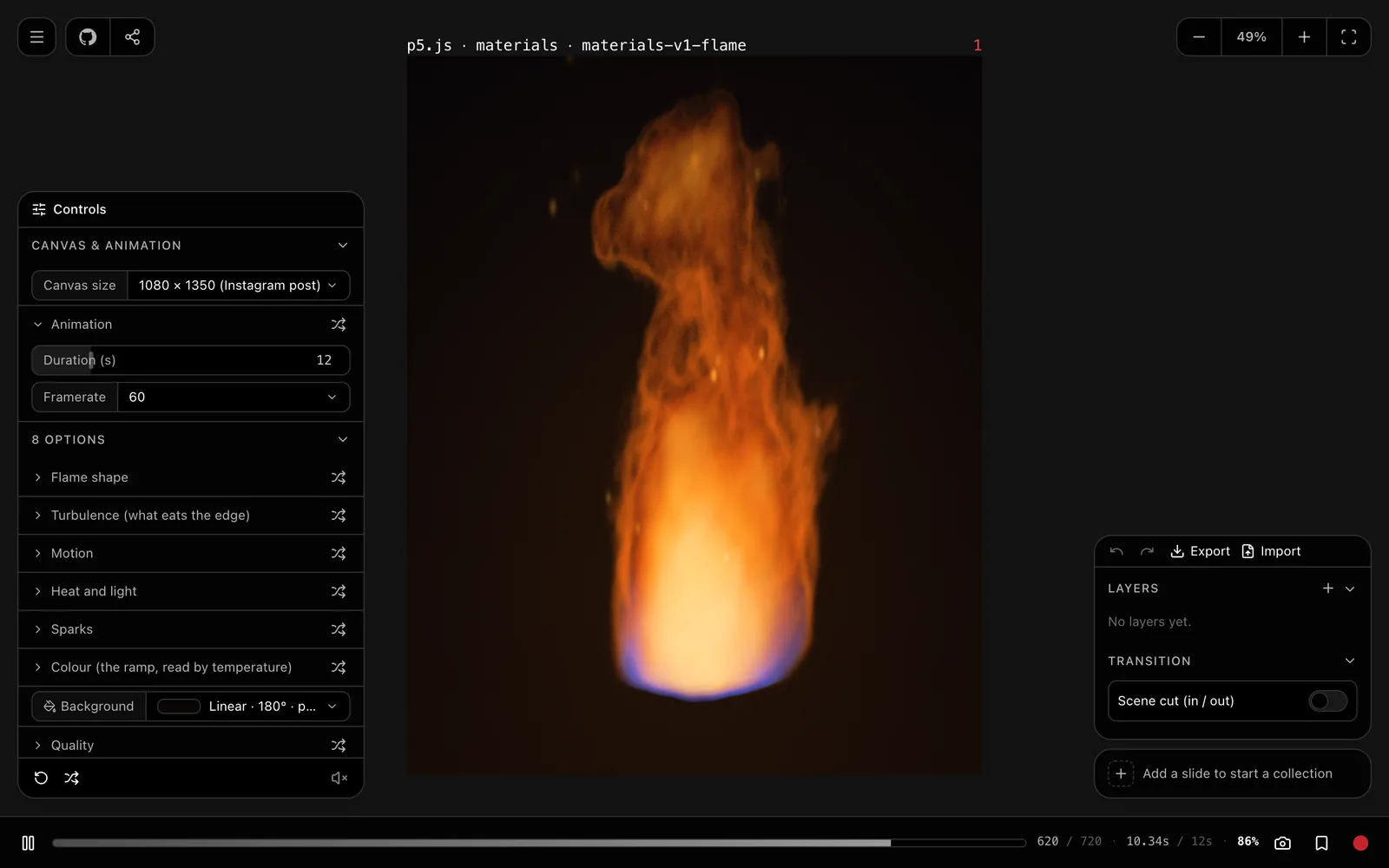
Flame, in Materials 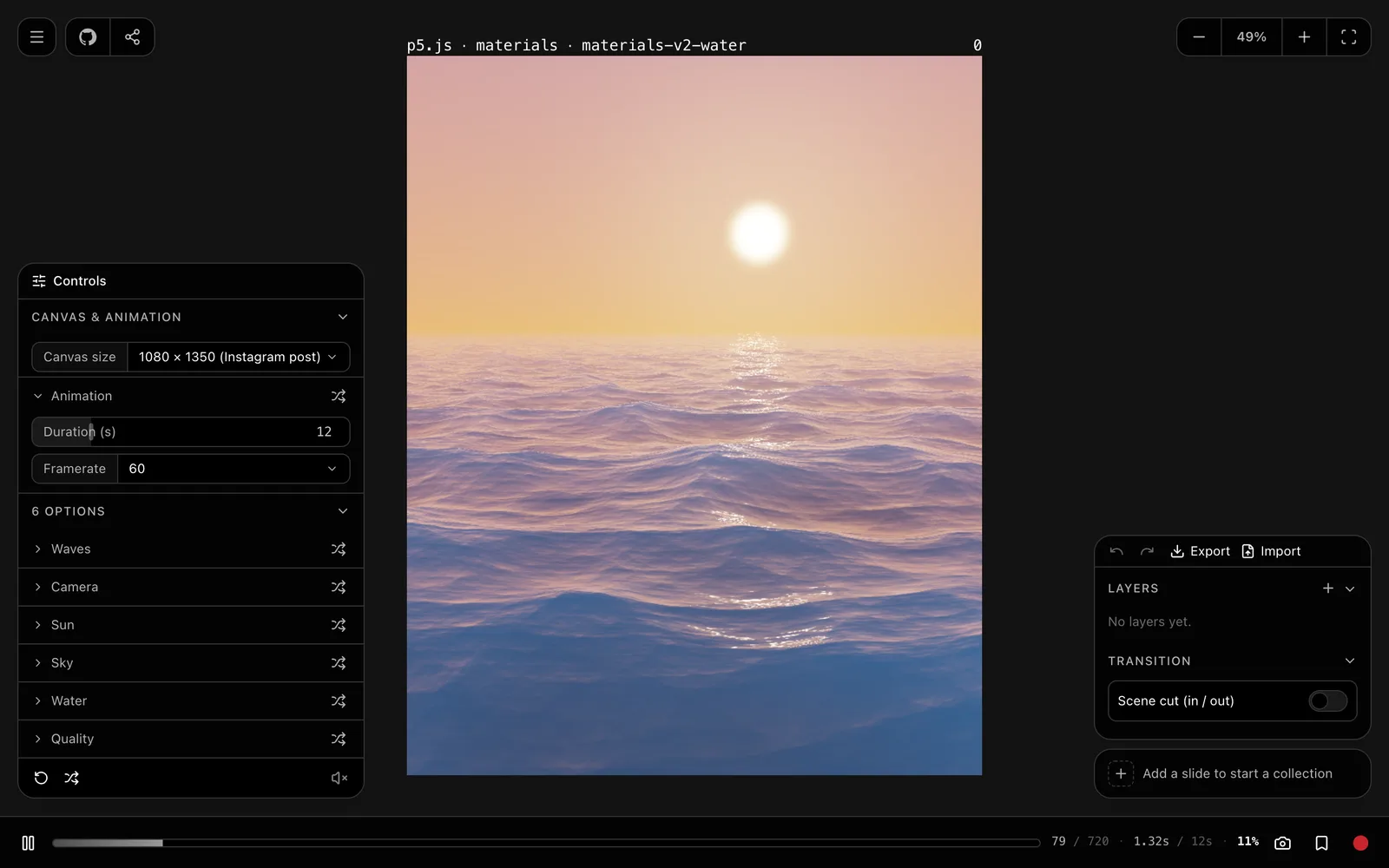
Water, in Materials - 1.2.0Ophiuride
The site now publishes an llms.txt describing Sketchbook, its pages and every sketch for language models.
- An
llms.txt: the site is described for language models — what Sketchbook is, its pages, the sections of the studio tour and every sketch, each with its link.
- An
- 1.1.0Nephroid
The Sequence layer cuts whole sketches into one reel with GL transitions, camera moves and a film grade, and slides get scene cuts.
- The Sequence layer: whole sketches, splash cards, loading screens and colour plates cut together into a single reel.
- Twenty transitions: each scene enters through a GL transition — wipe, iris, push, zoom, dissolve, glitch, ripple, swirl, cube, film burn and more — with an edge light drawn from a palette, and optionally a sound at each cut.
- Camera and grade: a camera move (push-in, pan, drift, orbit, handheld) and a film grade (letterbox, vignette, grain, chromatic aberration, tint, scanlines) on top.
- Scene cuts on slides: a loop opens out of a colour plate and closes back into it, so slides joined in one video cut like a film.
- The same in the export: the sequence is deterministic, so an exported video cuts exactly like the preview.
Older versions (11)
- 1.0.0Lemniscate
An agent can drive the studio through an MCP server, a gallery is kept in your browser, and the Iridescent category arrives with its palettes.
- Driven by an agent: an MCP server lets an agent make media end to end, and drive an open studio tab — the sketch, canvas, slides, content, media, playback, snapshots and export — while you watch.
- A gallery in your browser: every finished export, or a press on Keep, files the whole piece with a thumbnail, to reopen later or back up as one file.
- Iridescent: a new category where one colour-ramp material runs across four sketches, with fifteen named palettes.
- Palettes everywhere: palettes are picked by their swatch, and a background can be a colour or a gradient.
- A 3D vector you can bind: shown as a HUD element with five views and randomized on the sphere. The home page now shows the version.
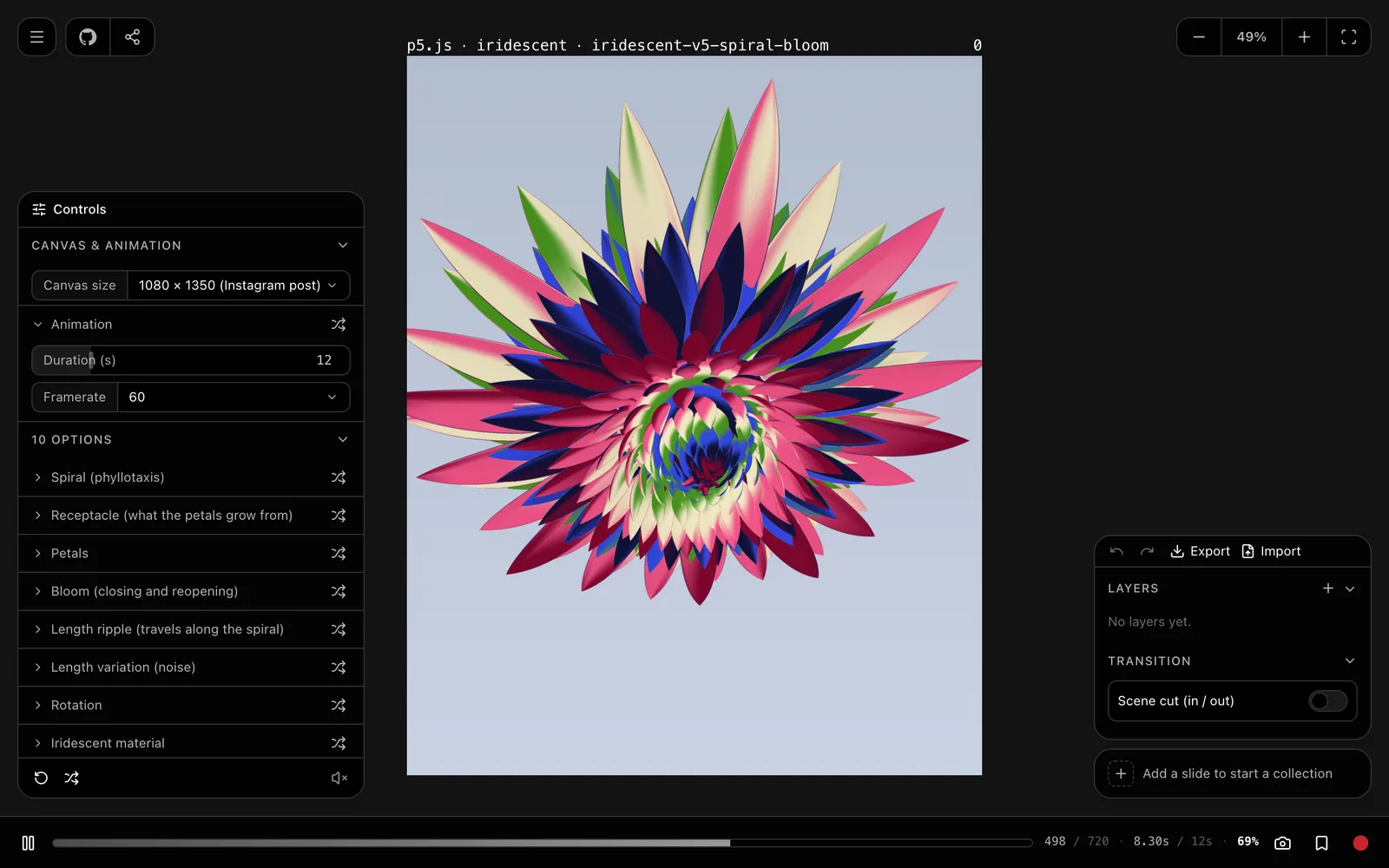
An iridescent sketch in the studio - 0.10.0Kappa
Play a sketch from a MIDI controller, edit a 3D vector in an orbitable box, and two new categories, Flip and Sculpt.
- Play it from a MIDI controller: a sketch can declare the controls it offers, you map them per port, and learning a knob takes two clicks.
- A 3D vector control: one
x, y, zfield edited in a box you can orbit, instead of three unrelated sliders. - Flip and Sculpt: two new categories of sketches in the library.
- A steadier gyroscope: the phone's gyroscope pointer is calibrated and drives one of four signals, and a field driven by a binding shows its live value on its own control.
- Export on a phone: progress is rebuilt, the Export dialog takes the whole screen, and stacked save prompts no longer lose files.
- 0.9.0Kampyle
A new sketch page, export as a batch of variants, a studio that works on a phone, and one sketch running inside another.
- A new sketch page: one inspector for the sketch's controls, a rail for the content you add (text, images), a filmstrip of slides, and Export in the top bar.
- Export as a batch: list as many variants as you like, each at its own resolution and frame rate, and run them together.
- A studio that works on a phone: one transport bar and one capture surface.
- A sketch inside a sketch: one sketch can run inside another as a layer, frozen or offset in its loop.
- More to bind, more shortcuts: booleans, selects and colours can follow a live input too, and playback, export, share and fullscreen have keyboard shortcuts.
The studio on a phone - 0.8.0Involute
The project becomes Sketchbook, with a Three.js engine, a docked workspace, sharing by link and richer export.
- Renamed Sketchbook: templates are now sketches, under
/sketches. - A Three.js engine beside p5 and GSAP, and a docked desktop workspace with undo and redo.
- Share a sketch by link: its options travel in the address, as an embeddable page.
- Richer export: still-frame sequences, 4K presets, 25 and 50 fps, and a fullscreen mode.
- Direct manipulation: content items are dragged on the canvas by mouse or touch, and clicking one opens its panel.
- More inputs and slides: face tracking, both joypad sticks, applying a block of parameters to every slide, and a step-by-step breakdown of a sketch as a content item.
- Renamed Sketchbook: templates are now sketches, under
- 0.7.0Hippopede
Any setting can follow a live input such as a mouse, camera, hand, audio or MIDI, and sketches can make sound.
- Interactive bindings: any setting can follow a mouse, a camera, a hand, a face, audio, a joypad, MIDI or the gyroscope.
- Sound: code-generated sound, captured in recordings.
- Montage slides that morph between variants, with staggering, dips and a title.
- More content: video sketches, a QR code content item, a 2D vector pad and a telemetry HUD overlay.
- Made for touch: a sketch settings panel designed for a phone.
- 0.6.0Folium
One studio runs p5 and GSAP sketches with the same controls, and records in the browser.
- One studio for every engine: p5 and GSAP sketches sit behind the same controls and the same capture.
- Recording in the browser, with its own encoders.
- A new home page, with maskable icons and a refreshed social card.
- Collapsible option sections that remember their state, and video assets.
- 0.5.0Epicycloid
GSAP HTML templates join the library, and a template's options can be randomized, saved and shared as a file.
- GSAP HTML templates: a second kind of template beside p5.
- Options you can move around: import and export a template's options as a file, randomize them, or save the current settings as its defaults.
- Richer options: a JSON field, and options that are fixed or vary along the loop.
- Fuzzy search in the library, and pages described for search engines.
- 0.4.0Deltoid
Sketchbook becomes an installable app that notifies you when a recording finishes, with a theme choice and redesigned pages.
- An installable app: add it to your device and get a push notification when a recording finishes.
- More control over recordings: clone one, force-cancel it, or download it slide by slide, with file sizes shown. WebM recording is added.
- Light, dark or system theme.
- Finding templates: search in the templates list, and a view mode it remembers.
- A new layout: the menu bar moves to the bottom, and the recordings and template pages are redesigned, with animated zoom and fit in the viewport.
- 0.3.0Cardioid
Slides get content items such as text, colours and images, and recordings can be saved as drafts.
- Content items on slides: text, colours, patterns, images, image stacks and visuals, each with scale and rotation.
- Images in a template, reordered by drag and drop.
- A zoomable viewport, plus slide management and size presets.
- Drafts: a recording can be saved before it is rendered.
- Undo and redo in the options form, and a capturing mode that hides the interface while recording.
- 0.2.0Bicorn
Recording moves to the server as a queue of jobs, and templates can be made of several slides.
- Recording on the server: recordings run as a queue of jobs, with their progress shown, and a dashboard lists them.
- Slides: a template can be made of several scenes, recorded together.
- Hand and motion capture: the first sketches driven by tracking your hands and movement.
- A Docker image: the app comes packaged with its database, queue and storage.
- 0.1.0Astroid
The first version: p5.js photo and text templates with an options form, and a download of the canvas.
- The first version: p5.js photo and text templates, each with an options form, and a download of the canvas.
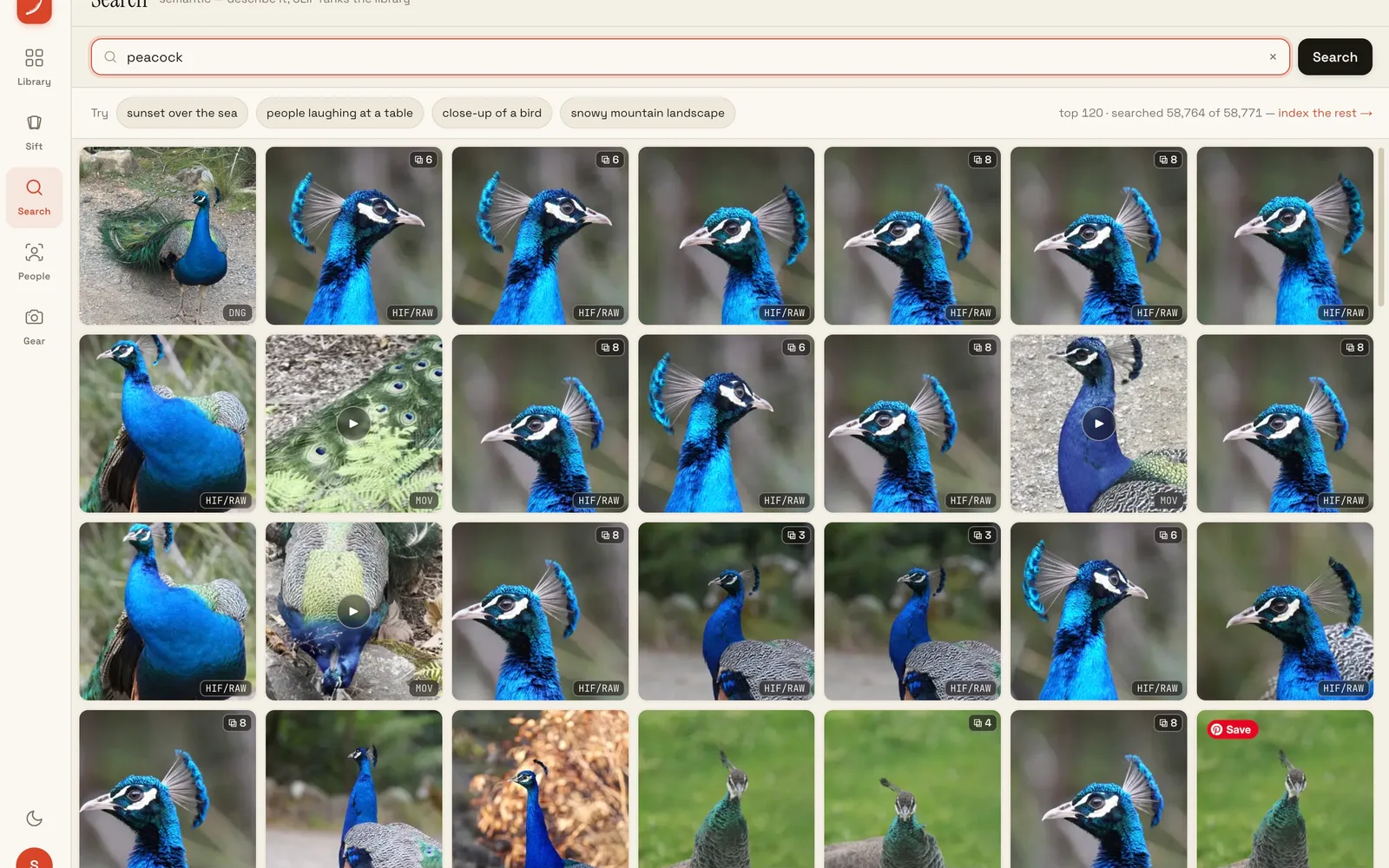
- Photo details: a photo's EXIF information is shown, and the view can zoom to fit.
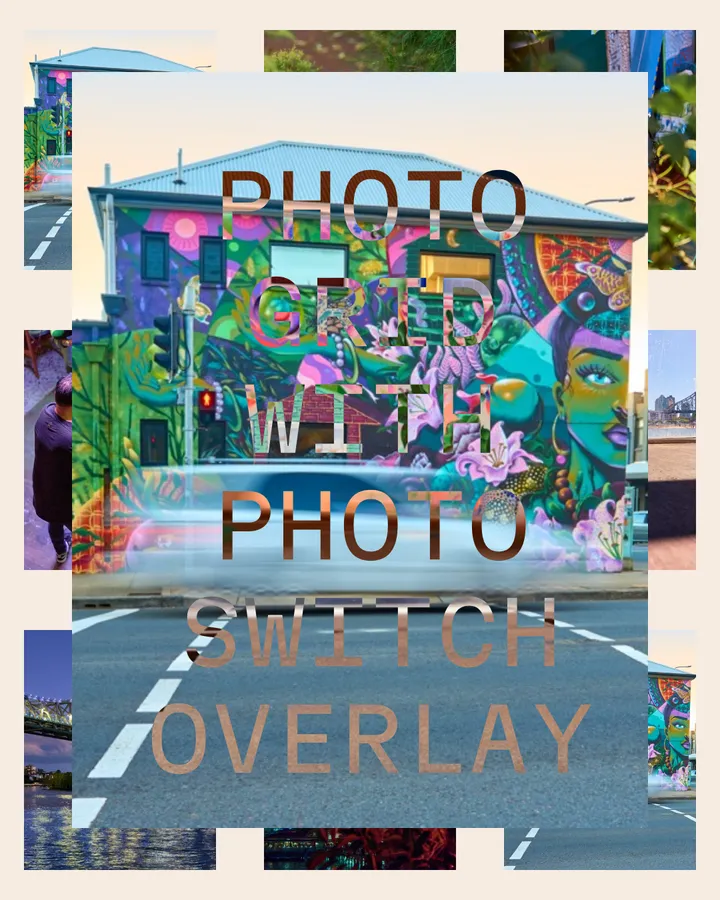
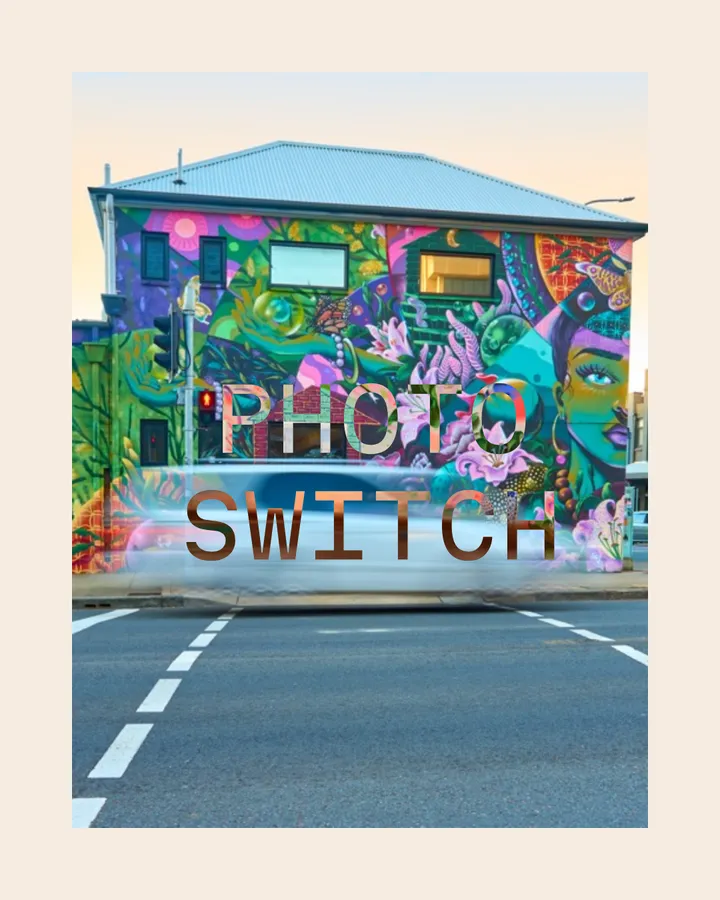
- A first set of photo layouts: grids, stacks and masks.
Write to me
A suggestion, a question, a hand with Sketchbook, or something to build together — pick what it is about, your mail app does the rest.